Your email stops working. A password suddenly gets reset. Moments like these make you wonder, has your data been compromised?
Every year, millions of people have their personal information exposed in data breaches, often without realizing it. Hackers break into company databases, steal details like email addresses, passwords, and payment information, and sell them on the dark web.
The good news? You don’t have to stay in the dark. Free dark web monitoring tools can help you check whether your data has been leaked and alert you if anything suspicious appears.
In this article, we review the best free dark web scan tools today and explain how they can help you stay protected against data leaks.
Quick List of Top Free Dark Net Scan Platforms
Here are the best free tools one can use to scan the dark web:
- Aura Dark Web Scan: Inspect your email against jeopardized databases and see where your data leaked.
- Google Password Checkup: Compares your saved passwords with over four billion leaked passwords and warns you about unsafe ones.
- Google One Dark Web Report: Monitors your email and phone number for dark web exposure and sends alerts when matches appear.
- IDStrong Dark Web Scan: Scans U.S. email, phone, SSN, driver’s license, passport, and more for dark web exposure.
- Have I Been Pwned: Analyzes a massive collection of breaches and notifies you when your data appears in new leaks.
Dark Web & Data Breaches: Why Monitoring Matters
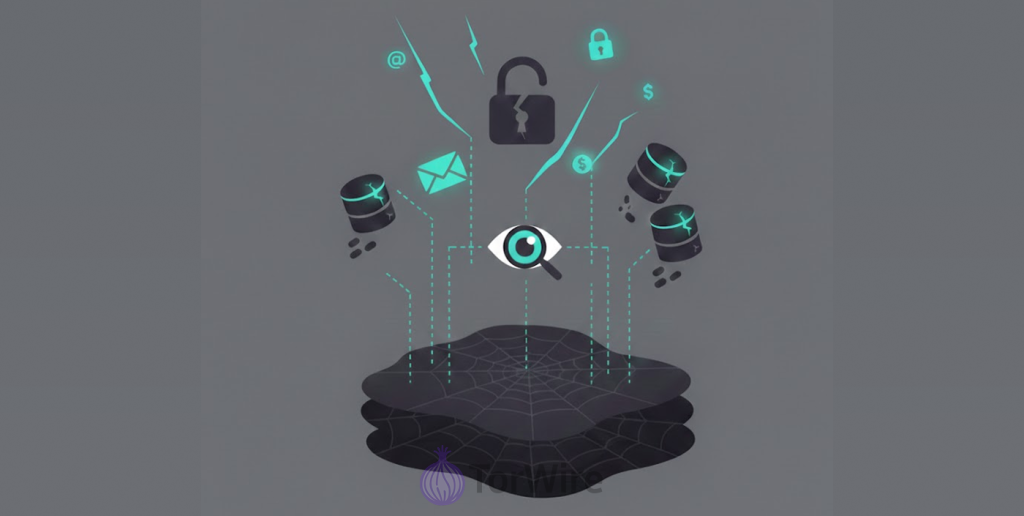
To understand why you should monitor the dark web, it’s ideal to know about the dark web and data breaches because these two complement each other.
Just like its name suggests, the dark web is where many atrocities happen on the internet. For this reason, it’s purposely kept away from the regular internet engines. Firefox, Chrome, Internet Explorer, and any other browsers can’t reach the dark web.
It’s only the Tor browser that lets anyone get there easily. And what’s in here? Hackers, bad actors, stolen digital properties, people’s personal ID credentials, and lots more.
Mind you, there are good use cases, but the crimes top the chart. So you see the connection between the dark web and data breaches. When hackers breach a company, you know where they trade it? The dark web!
The scariest part is that most of these companies keep the news to themselves so they don’t scare their consumers or lose value.
But the truth is, raising an alarm early saves the day. Reporting immediately after a database hijack or leak of sensitive consumer data helps victims respond quickly and implement effective solutions.
Now, why is it vital to monitor the dark web?
Almost everything we do on the internet today requires certain personal credentials, from names to phone numbers and IDs to home addresses.
When hackers steal this information (whether directly from you or from the organization you gave it), they use it for whatever purpose they like, and at the end of the day, the crimes of these hackers could trace back to you.
This is why you must check the dark web for leaked data— and exactly why dark web monitoring has become an essential practice for anyone who wants to stay ahead of cybercriminals. Thanks to sophisticated technology, we have dark web breach monitoring tools; some available for a small fee, and others free of charge.
These tools keep you ahead of cyber threats. They effortlessly inspect forums, databases, directories, and even marketplaces on the dark web to see if there’s any sensitive information about you there.
You receive instant alerts and guidance as soon as the system finds a threat, helping you stay ahead of bad actors. Let’s share the best dark web breach monitoring tools and the key things to know about them.
Keep in mind, none of the tools here paid us. Our bias, selection, and verdict are strictly “first-hand experience,” research, and other user experiences.
In other words, these tools are on this list because they’re worth giving a shot!
Quickly, before we dive into the subject matter, what are the mechanics of these dark web monitoring tools?
The Modus Operandi of Dark Web Breach Monitoring Tools
Tools used for monitoring breaches that occur on the dark web compare your personal information with an extensive number of compromised credentials from previously identified data breaches.
Security researchers will constantly look at the dark web, including forums, paste sites, and places that hackers share or sell stolen data, looking for new data that they can add to their database.
When you enter your email address (or any other personal detail) into a dark web search tool, that search tool retrieves records from databases looking for a matching record. When the tool detects your record in a known breach, it identifies the breach and details the leaked information.
Some monitoring tools scan past breaches to see what data was already exposed, while continuous tools track new breaches and alert you immediately if your data is compromised.
The best free dark web monitoring tools will offer both types of monitoring in one easy-to-use package. They will provide you with a one-time scan of prior breaches and ongoing alerts as new breaches occur.
Every tool that checks the dark web for breaches carries unique features, whether free or paid.
But, we handpicked the top 5 to break down in detail so you can understand why each is unique, how to use it, and the limitations to keep in mind.
1. Aura Dark Web Scan
Aura provides free dark web scans, which let you know whether or not your personal data got hit in any recent data breaches.
The tool examines your email address against its database of stolen credentials. It then notifies you if it discovers any links to your email address.
To run a free Aura dark web scan:
- Visit Aura’s free scan page in your web browser.
- Enter your email address into the appropriate box.
- Click ‘See Results.’
Aura scans your email in real time against its database of breached credentials. When the tool detects a compromise, it identifies the exposed information and the breach’s source.
The free basic scan checks whether your email appears in any confirmed data breaches and identifies the hacked services.
The best part is that you can scan your email without creating an account, and whether you go premium or not, you get to see every single piece of information regarding these data breaches.
Privacy-cautious, you see!
Aura’s subscription is $7/month, and comes with a 14-day free trial that lets you explore all of its features before making a payment.
Once you pay, you get access to Aura’s $1M identity theft protection, financial and credit monitoring, data broker opt-out, password manager that can auto change password, constant dark web inspection, and 24/7 customer support.
2. Google Password Checkup
This tool allows you to check if there are any of your saved passwords compromised in a data breach. It works best if you use the Chrome browser with your Google account logged in.
When you initiate a scan, Google Password Checkup starts to check the dark web for leaked data, comparing your passwords with the billions of leaked passwords there. Then it pings you if your passwords appear in that leaked database. What do you do? Update them as soon as possible.
To use Google Password Checkup:
- Open Chrome Browser and sign in to your Google account.
- Go to the password manager page for Google and select Go to Password Checkup.
- Select Check Passwords and enter your password to perform the password checkup.
It is free for all Google account holders, unlike Aura, which assigns monetary value to its services.
What are the reasons to use it?
If you currently have saved passwords within the Chrome web browser, this tool can provide an automated assessment of any passwords stored in these databases.
The four billion password databases are large enough to catch the vast majority of commonly used leaked credentials from around the world.
What are the limitations of using it?
Google Password Checker reviews only the passwords you’ve stored, so make sure each of your accounts’ passwords is saved in your Google account.
If you are utilizing alternate methods of storing passwords (i.e., Password Safe) the checkup skips these passwords.
Google Password Checker specifically checks your passwords and isn’t designed to verify other personal data, such as credit/debit cards or Social Security numbers.
3. Google One Dark Web Report
The Google One Dark Web report is a way for you to see if your information leaked via a data breach and is available for anyone to use.
This new feature allows Google to monitor your email and phone number for signs that they’ve leaked on the dark web and will send alerts when it finds a match.
To use the Google One dark web report:
- You must first have a Google One membership. After you get a membership, go to the Google One homepage and select the option “Set up dark web report.”
- On the setup window, click on “Start Monitoring”. On the next page, select what else you want to include in the report and click “Allow”.
- Your monitoring profile is live; update and add whatever you think is important before you hit “Done”.
- Next, Google scans your personal data on the dark web and sends you a report telling you if it found any of your information there.
Ongoing monitoring of your email address and mobile number. Google provides a notification whenever your information appears in newly listed dark web listings.
This tool isn’t truly free; it comes with the $1.99-per-month Google One membership, which also includes benefits like 100GB of cloud storage.
Google One includes dark web monitoring as one of its many services. If you are already paying for Google One storage, then you receive the monitoring services as part of the package.
Because of the service being ongoing, you don’t need to remember to check on your account manually. The support of Google’s infrastructure gives you a great level of confidence regarding their ability to monitor your accounts properly. You must have purchased a Google One membership to utilize the monitoring feature.
Again, the service monitors only the email addresses and cell phone numbers of subscribers; it does not monitor other types of information, like credit and debit cards or social security numbers.
4. IDStrong Dark Web Scan
IDStrong offers a free dark web scan that checks for data breaches and alerts customers when their information appears on the dark web.
This free service includes scanning your name, email address, phone number, and other identifiers for possible matches in a larger number of databases than most.
To use IDStrong’s dark web scanner, go to their Free Scan page and enter your name, state, and other appropriate details.
- Next, click on “Run Free Scan” to proceed. The results will list out possible matches.
- Look for your personal credentials in the list. If none are found, click “Continue Scan” and enter your email.
- Click on “Continue” to scan your email against databases for leaked email addresses. That way, you know if your email is safe or compromised.
Free offerings include:
- A result from a basic scan that indicates whether or not the user’s details have been found among the results from previous breaches.
IDStrong will display all records in its database that match the user’s details.
Options available at an additional cost:
- You must pay a fee to get the full detailed report from IDStrong or to subscribe to their monitoring service.
IDStrong provides additional features through the paid tier, which include continual monitoring of the user, more detailed alerts than those provided for free, and also services to alert the user if identity theft occurs through monitoring of the user’s credit report, monitoring of public records, and monitoring of court records.
IDStrong checks more types of personally identifiable information than most of the free tools that are currently available. If a user wishes to perform a search beyond an email address, this tool meets that request.
Limitations of IDStrong
The only results available from this free dark web monitoring tool are the basic results. All detailed results will incur a fee to obtain.
Also, currently, the identity theft protection service from IDStrong will only allow monitoring of individuals who are United States citizens.
5. Have I Been Pwned
One of the most reliable and popular dark web surveillance tools. Security researcher Troy Hunt developed the website as a means to identify data leaks from the dark web.
The program scans for your information in known data leaks and immediately notifies you if it finds any.
The service offers a notifications system that can notify you automatically if your information surfaces on new leaked databases in the future. Using Have I Been Pwned is simple. Go to the website; enter your email address, and hit the “pwned?” button.
The service will look for any data against already compromised data from data leaks and will alert you if it has found you in a leak. If a match is found, it will show you which specific data leaks you were part of, what information was leaked, and the date on which these leaks occurred. The entire website provides all information without any costs or fees. You can access all data breaches on the site for free and receive notifications of future breaches.
It is considered the definitive source of free dark web breach notifications, including a detailed history of data breaches and a clear record of how and where it is using information. Additionally, it has an extensive amount of accumulated data that is being updated frequently.
Conversely, the tool focuses primarily on email addresses; therefore, providing many data breaches are available, however, it does not monitor any other personal information.
Data Leaked on the Dark Web? What to Do
You’d surely panic finding your credentials on the dark web, the sneaky part of the internet. But worry. Here’s what to do:
- Change passwords: For all of your flagged accounts, register new passwords for them. No one should be identical to another. Save them in a password manager.
- Turn on two-factor authentication: Do this for every one of your accounts that has the feature, especially your email, social media, and bank apps. Even with your password, 2FA on that account stops the intruder with a demand for a second verification.
- Keep an eye on your financial accounts: Regularly check your bank statements, credit cards, and credit reports for suspicious activity. Use your bank’s free fraud monitoring and set transaction alerts to catch unusual charges instantly.
- Place a freeze on your credit reports: Place a freeze on your credit report with one or all three bureaus, Equifax, Experian, and TransUnion, to prevent anyone from opening new accounts in your name. You can freeze your credit for free, without affecting your credit score, and lift the freeze temporarily whenever you need to apply for credit.
- Enroll in a service that continuously monitors your information: Register for free dark web monitoring, or otherwise get yourself identity theft protection insurance. It gives you steady data monitoring and more extensive coverage.
- Know how to fish out phishing schemes: Always check who sent the email, and don’t be quick to click on links or attachments in the mail. After a breach comes phishing. So, expect sketchy emails, texts, or phone calls asking you to share personal information for unnecessary reasons.
Can you Take Down Your Info from the Dark Web?
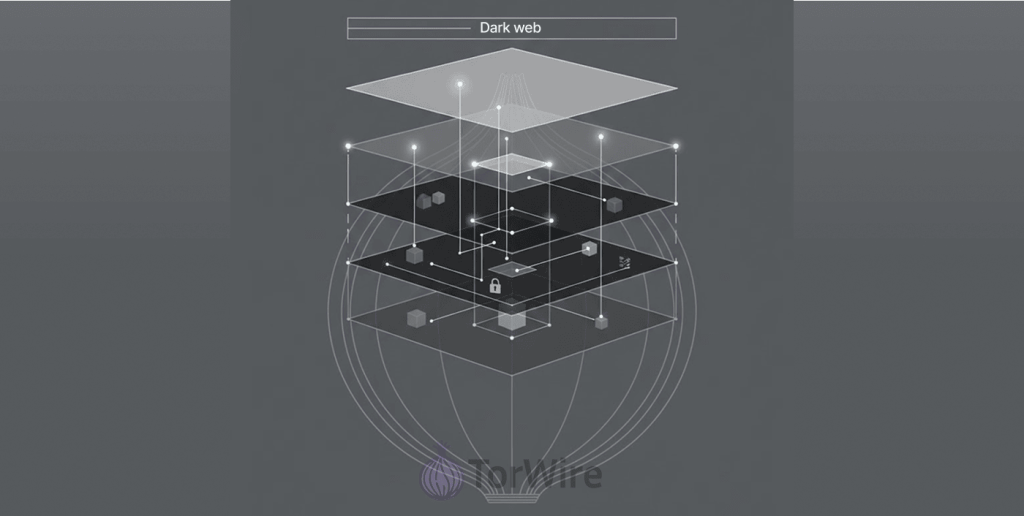
The truth is that it’s hard to remove your data from the dark web once it’s there. Once someone posts the information in a forum or sells it in a credentials dump, it spreads rapidly.
Many other people get copies of the data, reposting it and sharing it in different places, and there is no central authority to be contacted for taking down copies of your information once they’ve been posted. Nonetheless, you can reduce the impact.
How?
Changing your passwords, enabling 2FA, and freezing your credit. The list can go on. You can review your accounts steadily and report any fishy transactions immediately.
If you now decide identity theft protection services are your go-to, there is a chance that their claim to wipe your data from the dark web won’t work 100%.
Regardless, it’s worth trying, but it’s best you hop on these preventative steps you can control and try not to focus on removing your old data.
Free vs Premium Dark Web Monitoring
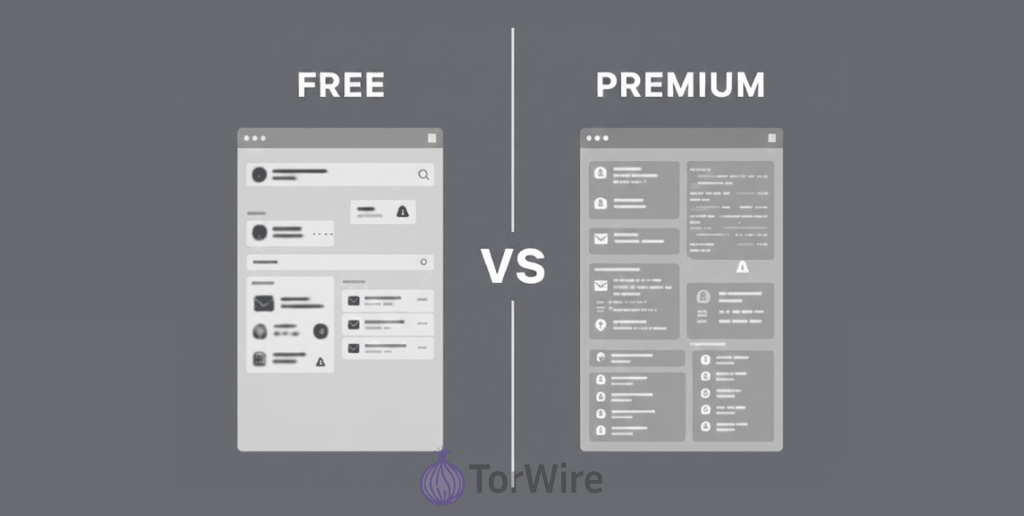
Free dark web scanning tools provide a good foundation of security by checking your data against breaches that have been reported.
They will also alert you when they find any matches with your data. For many people, these abilities will provide sufficient levels of protection.
Paid services generally offer much more than just these three types of monitoring. In addition to the above-mentioned services, paid services are typically.
Monitoring of your various types of data besides email. Examples are SSN, which is your social security number, or other forms of ID, driver’s license number, credit card data, and so on.
What else:
- Real-time alerts instead of periodic scans.
- A wider range of databases for breach detection.
- Fraud alerts and credit monitoring.
- Identity theft insurance.
- Helps you restore your identity if someone steals it.
- Seeing where your data is located on the dark web by monitoring activity over the various forums, marketplaces, and chat rooms.
What’s your purpose for finding out how many breaches have occurred for you?
Free tools work well if you only want to check whether hackers have exposed your email address. But if you want help if something goes wrong, then purchase a subscription to a paid service.
The peace of mind from having comprehensive identity theft protection and assistance in the event of any incident outweighs the cost of a paid service.
Most people begin using free tools and will eventually graduate to using paid services, depending on whether they’ve found their data present in several different breaches or if they’re in a higher risk category. After a breach like the one that exposed 149 million passwords globally, even casual internet users start to understand why comprehensive monitoring matters; owners of businesses, high earners, or those already victims of identity theft often make the leap first.
How to Guard Your Info from Reaching the Dark Web
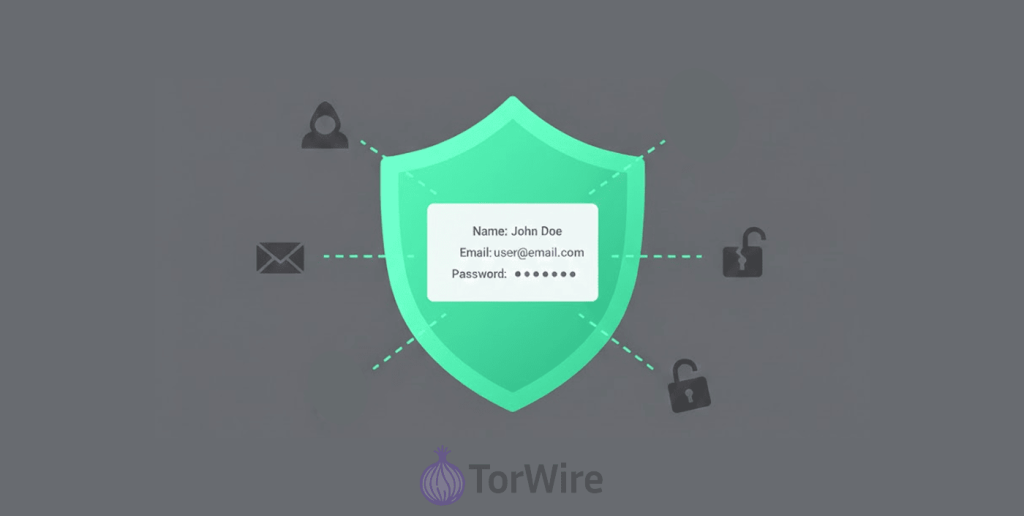
While trusted companies may get hacked, you can take steps to protect yourself and minimize any resulting damage:
You Should Create a Separate Password for Each Account You Have
If you reuse passwords across multiple accounts, it is certainly possible that if a hacker obtains your credentials from one website (due to a data breach), they will try to use those same credentials on other accounts so they can access your other accounts too.
Therefore, if you use different passwords on all of your accounts, a hacker gaining access to an account will not allow the hacker to gain access to another account of yours.
Use a password manager, which is a software application that can assist you in generating very strong random passwords as well as securely store each password so you do not need to try to remember all of them.
Be Careful When You Provide Your Personal Information
Many firms want to take as much information as possible, but all that isn’t necessary. Before you create an account or complete a form, check if you want to give out that information.
Temporary emails come in handy in such cases. Also, don’t give out your actual mobile number if it is necessary. Don’t share information that hackers could steal.
Keep All Software Current
Many of the security breaches happen when companies or individuals have not downloaded and installed the latest of the security updates.
Hackers take advantage of known loopholes in older versions of a program to infiltrate and hijack your data.
Set auto updates for your whole devices and apps. Update immediately upon receipt of the update, especially security patches.
Use Your Security Features
Commonly available security features provided by most of the major companies, such as two-step verification, login notifications, and tracking for signs of hacking, are all usable security features. Enable these features when possible.
Spending a few extra seconds to approve your log-ins can significantly boost your account’s security. Even if a bad actor takes your password, they can’t go beyond that without a second verification.
Regularly Scan the Dark Web
Make data-breach monitoring part of your routine by scheduling reminders every few months to check whether a dark web scan has identified any exposed information.
You may also join monitoring services to receive alerts whenever a data breach takes place. The earlier the better, and the faster you can prevent escalations.
Conclusion
Your data has value, and criminals know it. With new breaches happening every day, stolen records continue to surface and circulate on the dark web. But you don’t have to sit back and guess.
Free tools like Aura, Google Password Checkup, Google One Dark Web Report, IDStrong, and Have I Been Pwned let you scan for exposed data and receive alerts when new breaches occur. Given that a platform like Republic.com recently allegedly had data on 4.9 million users leaked to the dark web, running a quick scan isn’t just smart, it’s essential.
Running a scan takes just minutes. If you find a match, don’t panic. Update your passwords, enable two-factor authentication, and make dark web monitoring part of your regular security routine.
With these free tools, you already have what you need to stay informed and protect your most important data. Have you checked your data yet? Share your experience in the comments, and don’t forget to pass this guide along. It might help someone avoid identity theft.
FAQs
The dark web is an unindexed part of the internet, visible via the Tor browser, while the regular internet is what you see via Chrome or Safari.
Data breaches! This is the most popular and frequently used method. Once they breach the database of a company, they take sensitive information from there and straight to the dark web for sale.
Without a doubt! They come in handy when it comes to basic protection. Examples are Have I Been Pwned, Aura, and the likes. Even though they mostly scan only email addresses and passwords, they can make a huge difference.
No proof yet, so you can’t. Once a leak goes live on the dark web, it’s viral at lightning speed. Forums have it, marketplaces list it, and so on. So, it’s currently impossible to find all the places your data is and cleanse them off.