-
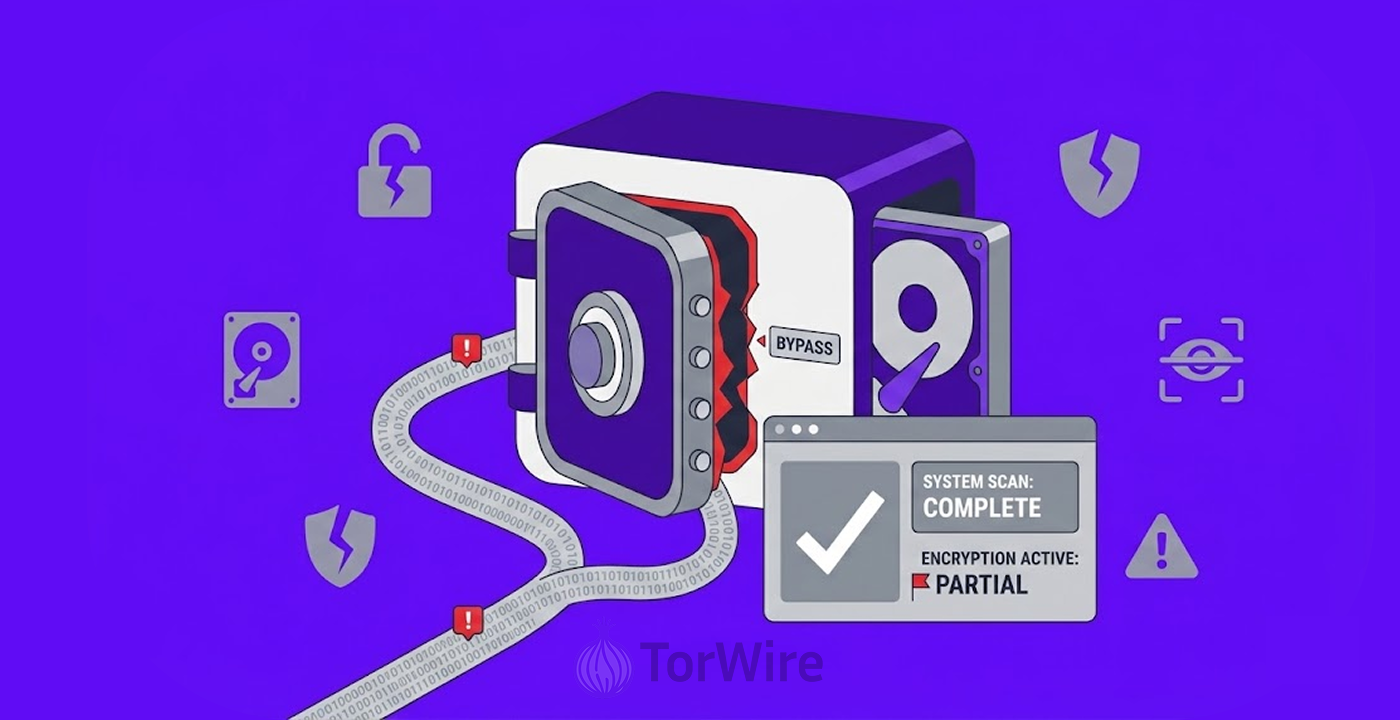
Researcher Chaotic Eclipse accidentally discovered GreatXML in four hours, and anyone who ever ran Windows Defender Offline Scan on their machine automatically becomes vulnerable to this BitLocker bypass.
-
The exploit requires copying two XML files to specific paths, then rebooting into WinRE by holding Shift and clicking Restart.
-
GreatXML follows RoguePlanet and YellowKey as the researcher’s third recent zero-day.
Security researcher Chaotic Eclipse has released a new Windows BitLocker bypass named GreatXML. The researcher, who also goes by Nightmare-Eclipse and MSNightmare, published this exploit just one day after releasing a separate zero-day flaw for Microsoft Defender. The discovery happened completely by accident and took only four hours to find.
The exploit is possible without using any password, as there is no brute-force cracking needed. To carry out this exploit, an attacker just drops 2 XML files to the recovery partition, then boots into Windows Recovery Environment and has access to all the encrypted data on the disk using the command prompt. The bug connects directly to how Windows Defender Offline Scan leaves the system in a vulnerable state.
How GreatXML Works: Two Files and One Reboot
The GreatXML attack follows a simple procedure. First, the attacker copies an XML file called unattend.xml to the root of the recovery partition. The attacker also copies a recovery file that contains another XML file at the path Recovery/WindowsRE/ReAgent.xml. Both files must land in the correct locations for the exploit to work.
Second, the attacker reboots the machine into Windows Recovery Environment. The method for doing this involves holding the Shift key while clicking Restart in the Windows power menu. The system then boots into WinRE instead of loading the normal Windows desktop.
If the attacker follows every step correctly, the result is a command shell that spawns with unrestricted access to the BitLocker volume. The shell can read, copy, or modify any file on the encrypted drive. The drive remains technically encrypted, but the attacker does not need the recovery key or any password to access its contents.
The researcher explained the discovery in a post on Blogger. Chaotic Eclipse stated that anyone who has ever attempted to use Windows Defender Offline Scan automatically becomes vulnerable to this BitLocker bypass.
The researcher expressed uncertainty about whether someone can trigger the bug without ever using the offline scan feature. However, the researcher believes it is definitely possible to do so.
The Connection to RoguePlanet and YellowKey
The release of GreatXML comes shortly after Chaotic Eclipse published another zero-day flaw called RoguePlanet. That vulnerability lives inside Microsoft Defender. RoguePlanet facilitates local privilege escalation to the SYSTEM level; an attacker who gains this privilege level can run arbitrary code or perform unauthorized actions on the target machine.
GreatXML also marks the second BitLocker bypass that Chaotic Eclipse has released. The first bypass carried the name YellowKey and received the official CVE identifier (CVE-2026-45585). Microsoft released patches for YellowKey this week as part of its June 2026 Patch Tuesday updates. The fact that Microsoft just patched one BitLocker bypass makes the arrival of a second one particularly embarrassing for the company.
Microsoft has not yet commented publicly on GreatXML. The company previously banned Chaotic Eclipse’s GitHub account and threatened legal action. Microsoft later dialed back its rhetoric after facing backlash from the security community.
Meanwhile, Meta took a different approach by fixing an Instagram AI account recovery flaw that could have enabled account takeovers, highlighting varying responses to security vulnerabilities.
What Users Can Do to Stay Safe
Users need to understand the limits of this exploit. The attacker must first gain the ability to copy files to the recovery partition. This action typically requires administrator privileges or physical access to the machine. An attacker who already holds administrator rights can simply disable BitLocker through normal channels.
However, the exploit becomes dangerous in specific scenarios. For example, an attacker with temporary administrator access can plant the XML files. Even after losing that access, the attacker can later reboot the machine and unlock the drive without any credentials.
The researcher offered additional guidance for the offline scan requirement. Chaotic Eclipse noted that if a Defender offline scan is never initiated on the target machine, the attacker must either log in and start the scan manually or find another way to boot into WinRE in an offline scan state. The researcher believes it should be very possible to achieve this without logging into the system.
By limiting physical access to their devices, users may keep themselves safe from this attack. For example, if you place your laptop or desktop in a secure location, then you can avoid the attack because it requires someone to physically push the Shift key and the Restart key.
Organizations should also monitor the recovery partition for any unauthorized changes to unattend.xml or the Recovery/WindowsRE/ReAgent.xml file paths. No legitimate software places answer files at these locations outside of Windows Update or WinRE setup processes. Security teams can set up file integrity monitoring to alert on any writes to these paths.
