-
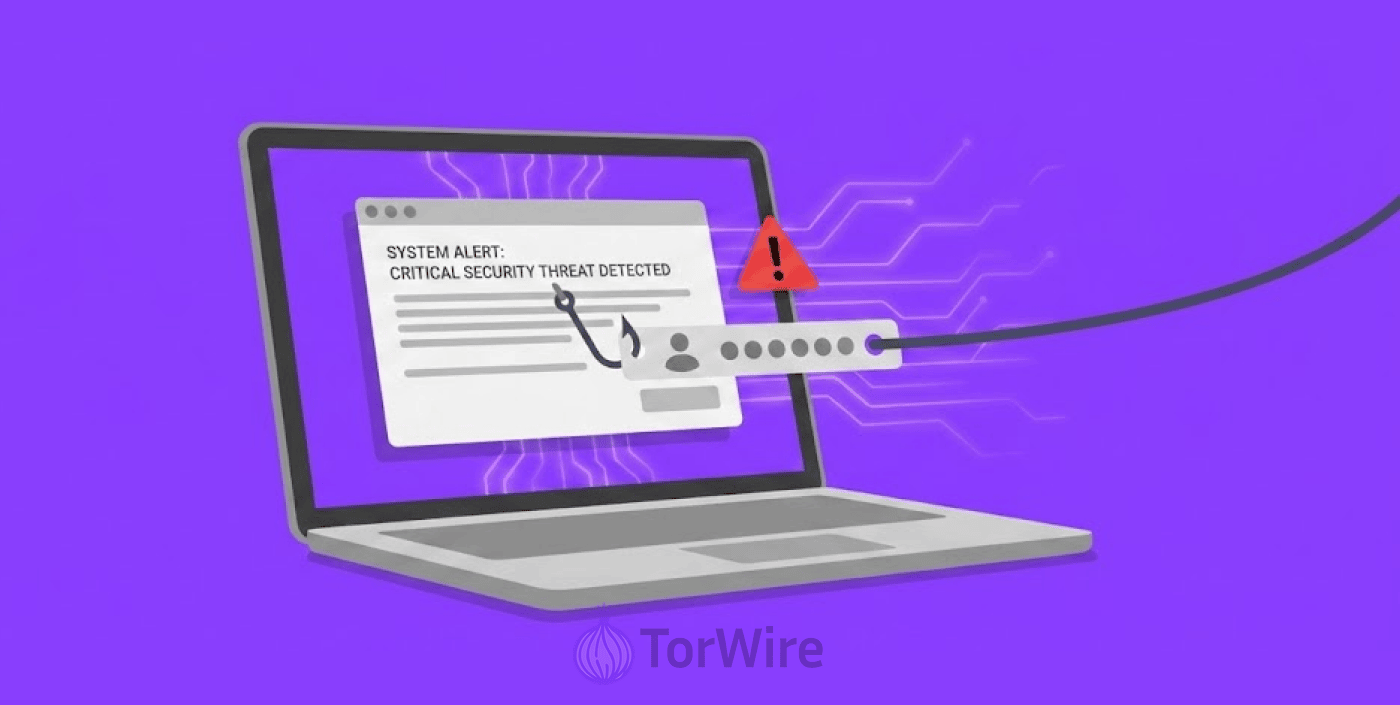
Cybercriminals have found a way to scam people by sending out fake iCloud security alerts through email or text, convincing them to enter their username/password combination into a fake webpage they create.
-
Once hackers steal the iCloud credentials, they rack several attacks against the victims, they access saved passwords and banking information to drain money from victims’ accounts.
-
Apply security measures, enable two-factor authentication and never click links in unexpected messages to protect yourself from this scam.
Hackers have discovered a sneaky way of stealing personal and financial data from iPhone users. By sending a fake security alert that resembles a real one (for example “Your iCloud account has been accessed from an unrecognized device”), the hacker can get you to give them your iCloud information by clicking on a link which takes you to a fake iCloud login page they created to capture your user name and password.
Security experts say that this phishing scam involves sending out text messages or emails with the phishing message. Many victims do not know that they are a victim until they see that their bank account has been drained of funds.
Once the hacker has obtained the iCloud information of a victim, then they can access the saved passwords, payment information, and even bank applications associated with that iCloud account. According to The Guardian, there have been many reports of this scam happening to iPhone users across India.
How the iCloud Scam Actually Works
This scam begins when an attacker sends an email or text message to their victim that looks like it is from Apple. The email or text will have Apple’s trademarks, comes in a written language that sounds like it is from Apple and usually contains a security notification about a login that is suspicious from an unknown device.
When the user clicks on the link in the message, it redirects them to what appears to be Apple’s iCloud login page. Most victims do not question this and will enter their user credentials (username and password) on this fake iCloud page. The hackers designed to harvest the victim’s information by logging all keystrokes and then sending it off to the attackers in an automated fashion.
As soon as the hackers has the victim’s iCloud email address and password, they log into the iCloud account. Once they log in, they can see all of the user’s saved passwords for various accounts, which can include online banking, credit card, and shopping website accounts.
The Keychain feature, that stores user’s passwords for various websites, makes this attack more harmful because the hacker can see all of the victim’s passwords in one location. The hacker can also prevent the victim from accessing their account by changing their password and recovery information for their iCloud account.
While this attack relies on tricking users into giving up credentials, zero-click iPhone exploits are even more dangerous, they can compromise devices without any user interaction, bypassing even the most cautious user behavior.
Why iPhone Users Keep Falling for This Trick
People generally believe that iPhones are immune to viruses and scams, so its users feel secure about using the device – some even lower their security guard. Although Apple has plenty of robust security features on their devices, no security system can protect someone who has given away their password.
The scam also has urgency and fear as a factor. The fake alert creates urgency for users so they will take action quickly to avoid losing photos, contacts, and messages. People tend to act out of panic and are more willing to click the link without thinking about it, the hackers are relying on such moves.
The other factor helping the scam’s success is that Apple uses a standard security alert for their users when they detect someone logging into their account in a different location or using a different device. Hackers often copy the standard Apple alert email format so the two emails are very similar and it is difficult for the average person to determine whether it is real or fake.
How to Protect Yourself from This Scam
You should never click links in unexpected messages. If you receive an alert about your iCloud account, do not tap the link, instead, open the Settings app on your iPhone and check for any security warnings there. You can also go directly to iCloud.com, but ensure you type the address yourself.
Enable Multi-Step Verification for your Apple ID, this feature requires you to approve a second verification code from your trusted phone number when logging into your account. Assuming someone stole your password, the person can’t still log in to your account without authorization from your physical device.
Be cautious when checking sender information. All legitimate security warnings from Apple originate from one of their verified email addresses, it will never come from an unknown telephone number or an email address not ending in @Apple.com or @iCloud.com.
Check for any hints that the message might be a phishing attempt, misspelled words, poor grammar, odd-looking sending addresses – and if you are unsure, contact Apple using their official Customer Support Page. Do not use any of the information listed in the suspect message.
