-
An app on some Samsung Galaxy phones called AppCloud has raised privacy concerns online.
-
Digital rights groups said it collects personal data, though no solid evidence confirming it spies on users.
-
Users say it crawls back into their phone after every update no matter how many times they try to delete it. And so far, Samsung has only released a vague statement in response.
About a year ago, International Cyber Digest published a post on X accusing AppCloud, an application on Samsung phones, of being “uninstallable Israeli spyware”. The post gained lots of traction and was viewed 7.4 million times.
SMEX, a Lebanese digital rights advocacy organization, cited the International Cyber Digest post as well. SMEX sent an open letter to Samsung in May 2025, informing the company to stop pre-installing AppCloud to its Galaxy A and M phones in the regions of West Asia and North Africa.
Importantly, SMEX regarded the app as being bloatware. The organization claimed that the software collects too much information, including identifying information like biometric traits and IPs. SMEX further insisted that Samsung explain what data AppCloud gathers and how interested parties use the data.
Nonetheless, it seems Samsung ignored the warnings from SMEX. Reports from early 2026 indicate that the app remains present on phones. Additionally, various recent online statements suggest that the company is still distributing the app.
What is AppCloud, and Who Makes It?
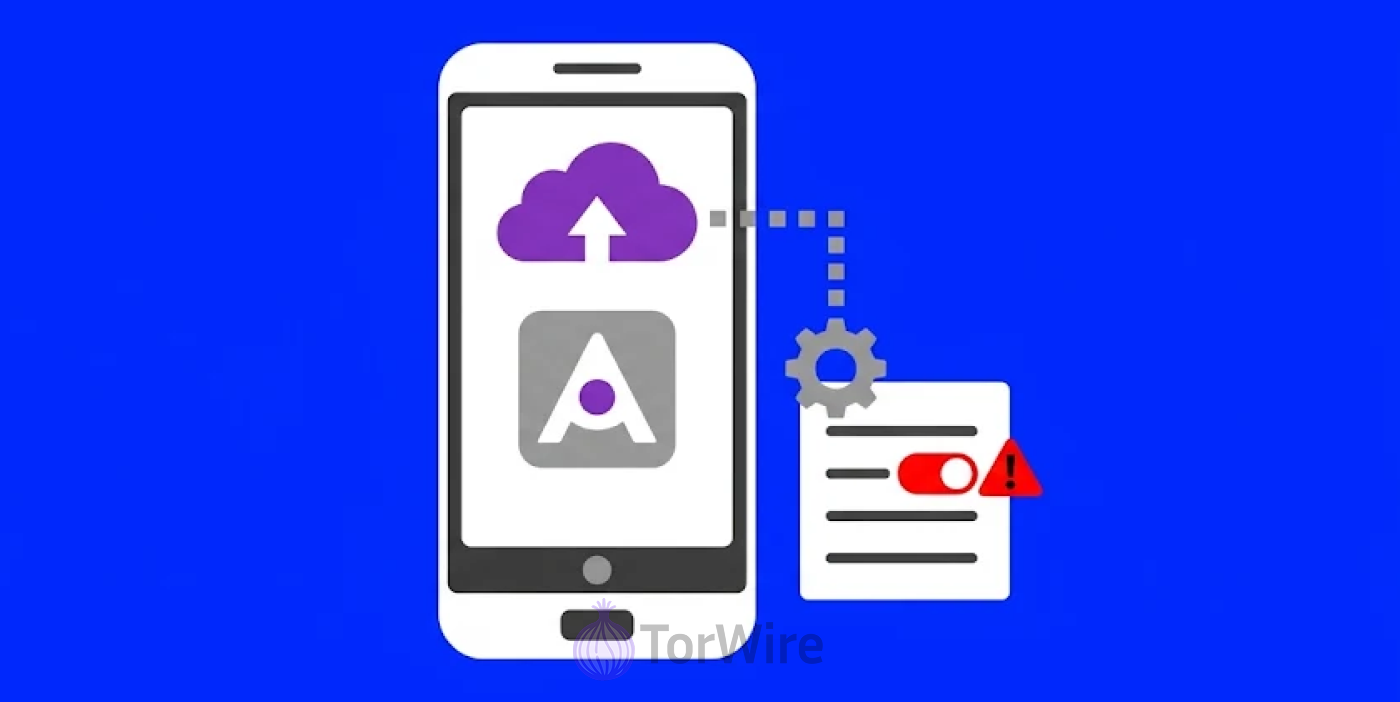
AppCloud’s a pre-installed app that comes as standard on some Samsung Galaxy devices. The app pushes third-party apps to users when configuring phones or during updates. The Israeli tech company ironSource created it.
Unity acquired ironSource for a whopping $4.4 billion back in November 2022. Samsung and ironSource expanded their partnership within that month as well. ironSource’s press release stated that the company became the exclusive partner for Samsung’s new A and M series phones. That’s a big deal given that these devices are present in over 50 markets in the MENA region.
In addition, ironSource’s Aura toolkit also has a foothold on Samsung devices in over 30 markets in Europe. So it’s clear that ironSource’s software has a global reach.
Android Authority reckons AppCloud suggests apps to users both when they’re setting up their phone and also during updates. They also said it might be an avenue for Samsung to earn extra revenue on lower margin phones.
The Israeli link is what’s really driving concern online. But the main issue is simply a hidden app with wide access and little to no transparency over what it does.
The Reason for the Latest Concerns
A lot of things make people uneasy about AppCloud. AppCloud doesn’t display any app icon on the home screen. It just runs in the background.
SMEX pointed out that it has no privacy policy for users to read and no consent screen. The firm also found the software collects sensitive personal info like biometric data and IP address. These concerns reflect a wider debate over digital privacy and control of user data. European governments are also exploring alternatives to existing messaging platforms, with plans to build their own messaging apps amid security concerns.
AppCloud can change network settings, retrieve files, and prevent smartphones from going into rest mode based on screenshots available online. There are also legal issues related to the application. According to SMEX, some countries, including Lebanon, have prohibited Israeli companies from doing business there.
At the same time, some doubts about the reputation of the company arise due to its past history. AppCloud’s maker, ironSource, was also behind installCore. Antivirus software has raised a red flag about it because it uses covert means to install some other software on a computer.
Unity claimed that ironSource has stopped using installCore before 2022. However, SMEX claims that AppCloud’s maker has ties to that tool, so critics fear that it would behave the same way on phones.
Removing AppCloud is nearly impossible. It can be disabled via Settings, but some users have reported that the app shows up again on their phone after an update. To be completely rid of it, one has to go fully technical and maybe employ some programming tricks. And no one has time for all of that. Most folks could only disable it and hope for the best.
Key Details Remain Unconfirmed
So far, the spyware label lacks proof. Android Authority noted that spying has not been confirmed. Researchers have talked about shady permissions and missing disclosures. But there’s no technical proof backing these claims.
There’s no evidence that AppCloud steals user data either. At least not yet. Also, the claim about AppCloud sneakily loading other apps is still just rumors. The debate needs more facts to back its claims.
Preinstalled software on budget phones is not new, either. Malwarebytes already reported some cases before now. One example is a 2020 incident in which malware was found on phones from the U.S. Lifeline program. These incidents are why folks find it hard to trust apps you can’t delete even if you want to.
Samsung’s Response or Lack Thereof
Samsung issued a brief statement, and its content is as you’d expect from a company under fire. It says it takes data protection seriously and complies with local laws. But here’s one thing, though. Samsung’s standard privacy policy supposedly covers AppCloud. Yet, somehow, that doesn’t clarify why users can’t delete it when they want to.
The statement didn’t mention a word about what data AppCloud is collecting either. That’s part of the things critics want clarification on. Also, they’d like to know how long the app stores this data stored for, where it goes, etc.
What’s Really Changed
Not a whole lot has changed as far as public reports go. However, there were some community posts in early 2026 where users were complaining that AppCloud was still visible in their phones in the UK.
There was even a post where someone shared a picture of AppCloud on their Samsung Galaxy Z Fold 7. It’s worth noting that Samsung has not fixed it yet either.
What You Can Do to Remove the App
If you’re a Samsung Galaxy user, open Settings > Apps > AppCloud, and then click on Disable. And from there turn off AppCloud notifications too. Before each of your next system updates, double-check that AppCloud didn’t magically turn back on.
Also, in that Apps menu, have a glance through all your installed apps and remove any that you can’t recall installing.
And if you really want to see some action from Samsung, get in touch with their support and express your concerns – that will give them a nudge. Consumer groups are also calling on Samsung to make it clearer for users to opt-out of AppCloud altogether during the initial setup process.